
Social media
Your listing. Ready to post.
Add listing photos and details. Choose a design and download for Instagram or Facebook.
Open the editorView plans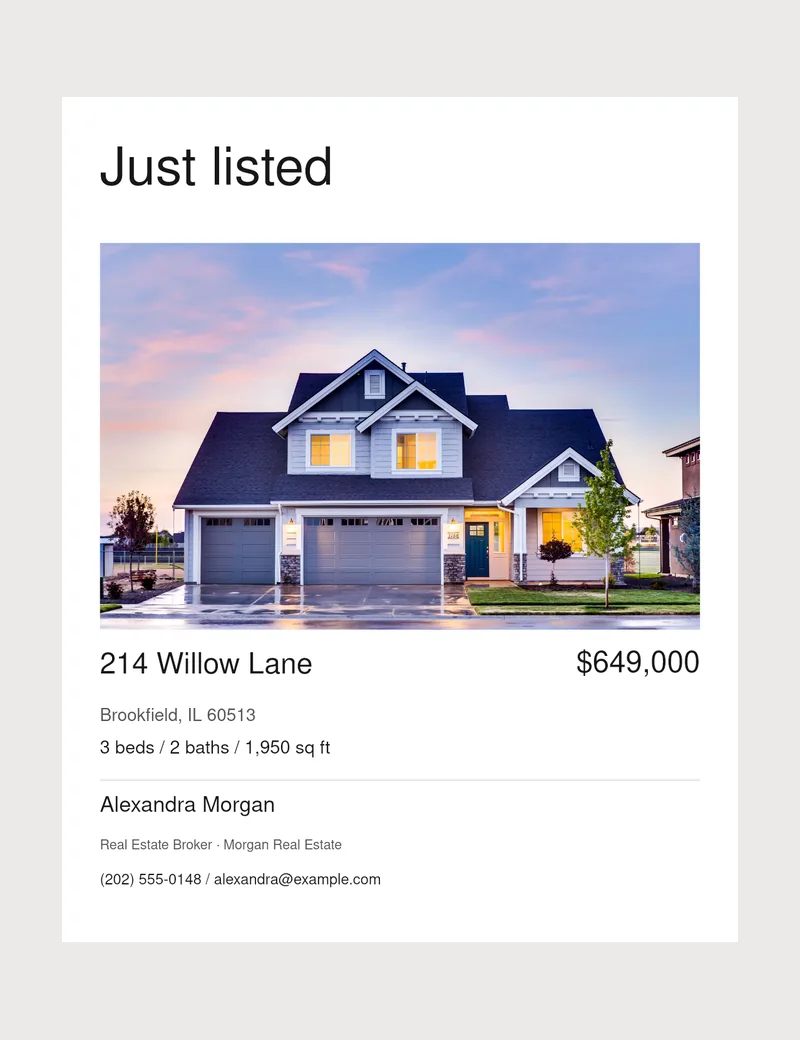
- Formats
- Post · 1080 × 1350 px / Story · 1080 × 1920 px
- Designs
- Six design families
- Sharing
- Download a JPEG and post it yourself
Add your listing
Upload photos, price, address and property facts.
Choose a design
Pick a branded template and format.
Download and share
Preview, download your JPEG and post.
Good to know
Your questions, answered.
Can I use a listing link?
Paid Studio assistant imports available Zillow, Realtor.com or Redfin details. If blocked, paste them. Verify facts and add missing photos.
Does the app post to social media?
No. Download your design and post it yourself.
Can I change templates?
Yes, across six design families. Check text fit before downloading.
Practical tips
Helpful guides.
Create a listing post from an address or link
Enter an address or Zillow link, check the property details and design your post.
02Listing launchYour listing marketing checklist
Prepare your photos, create social and print designs, then review before sharing.
03Social mediaCreate a just listed post
Choose a photo, add the listing facts and write a short caption. Use our example and checklist.