AI photo tools
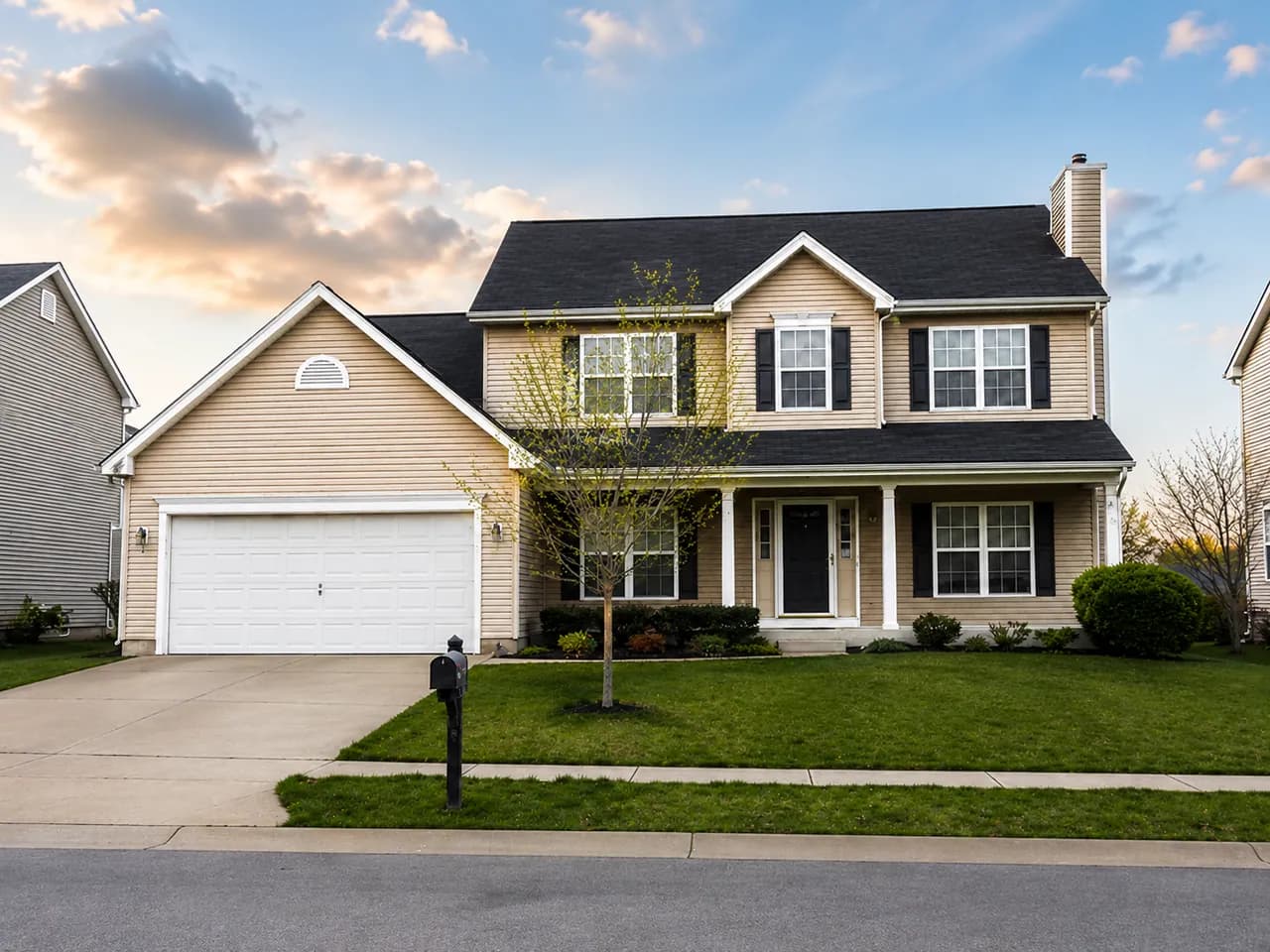
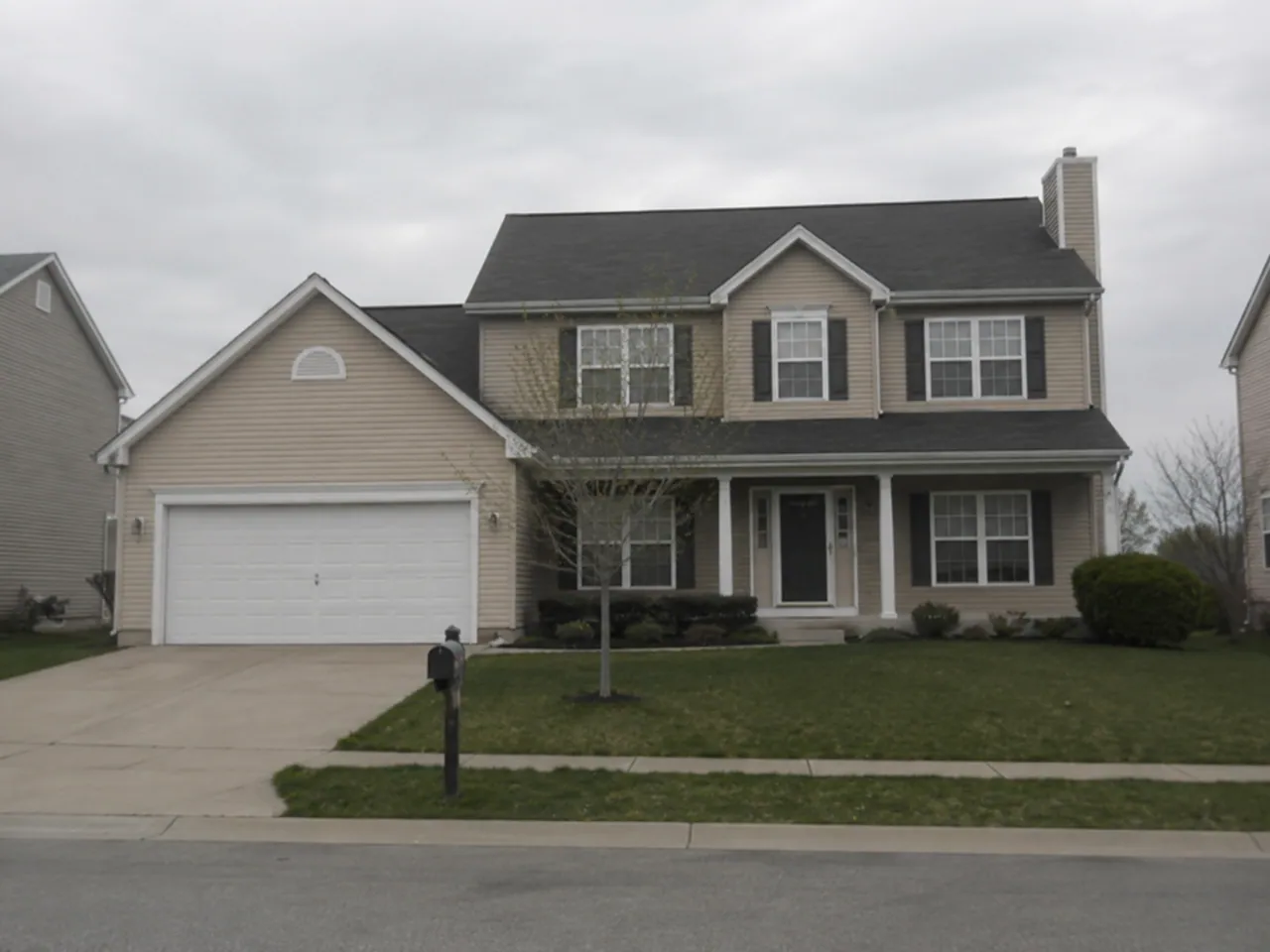
Real estate photo enhancement. A clearer perspective.
Start with your own property photograph. Explore improvements to lighting and sharpness, compare the result, and choose the version that represents the home accurately.
Open the editorView plans- Input
- Your own JPG, PNG or WebP property photograph
- Review
- Compare the original with the AI result
- Access
- AI usage allowances depend on your trial or plan
Upload your original
Use a JPG, PNG or WebP property photo. Large files are optimized in the browser before upload.
Compare the result
Request an enhancement and inspect it against the original.
Keep the right image
Choose the version you want to use. Review property features carefully before publishing.
Good to know
A few useful answers.
Does enhancement replace the original automatically?
You can compare the original and enhanced versions before choosing the image to keep.
Are AI enhancements unlimited?
No. AI tools have usage allowances that depend on your trial or plan. Check Pricing and the remaining allowance shown in your workspace.
From the studio / Practical guides
Make your next piece work harder.
A real estate marketing checklist for your next listing
Plan a coordinated listing launch: prepare your property photos, create social posts and print materials, and check every detail before sharing.
02Social mediaHow to create a just listed social media post
Create a clear just listed graphic with the right property photo, essential listing details and a short caption. Includes a practical example and review checklist.