
Your AI listing assistant
Type the address.
Get the post.
Start with an address or listing link. Review the details and add your brand.
Optional paid AI. Choose requests or a monthly plan.
From address to design
Less setup.
More of your style.
- 01
Enter the address.
Add the street, city and state, or paste a public listing link.
- 02
Choose your property.
Select a match, then check its details in the editor.
- 03
Make it yours.
Add photos and branding. Edit and download free with a confirmed account.
Your final say
Review it.
Make it yours.
Check imported facts against your listing. Add missing details and photos before sharing.
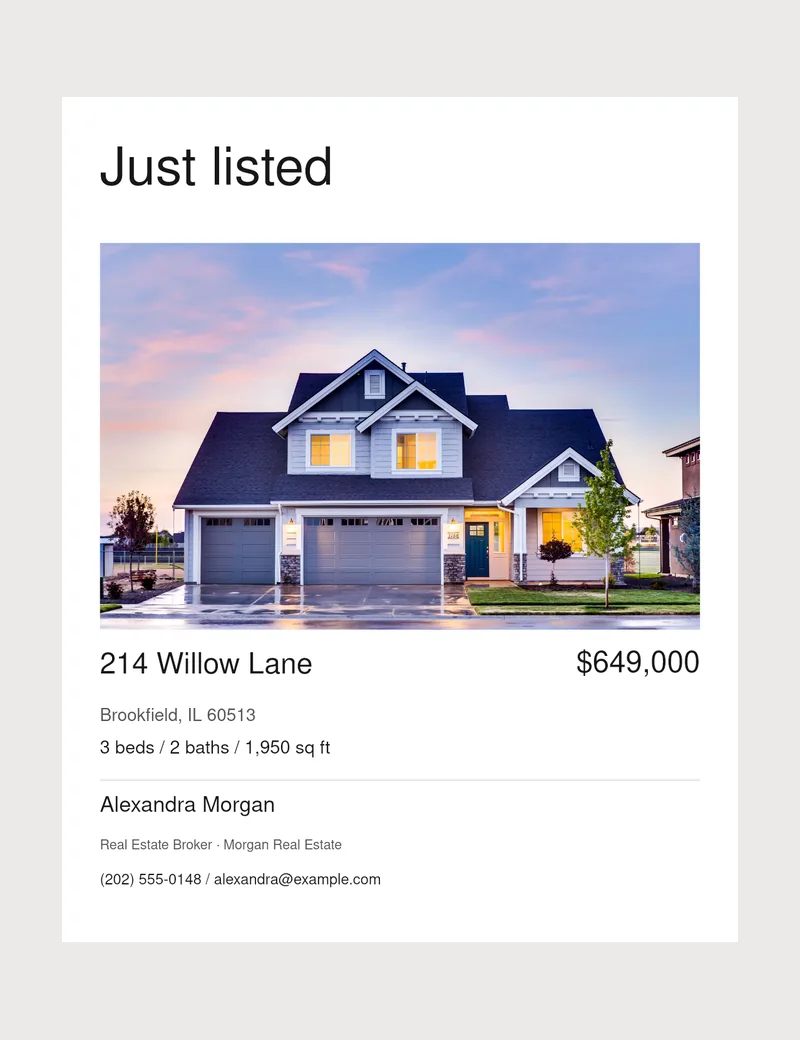
Choose from six designs in portrait or story format. Add your name, headshot, logo and contact details.
Explore designsGood to know
Before your first request.
Can I start with an address?
Yes. Enter the street, city and state, then select a matching property if available. Check its details in the editor and fill any gaps.
Can I paste a Zillow link?
Yes, including public Realtor.com and Redfin links. Access varies by source. If import fails, add details and photos manually.
Will it find property photos?
When available, the cover photo fills your preview. Check it and your permission to use it. Otherwise, upload your own photo.
Can I edit before downloading?
Yes. Check the property details, choose a design and add your branding before downloading.
Do I need an account?
Yes. Sign in and confirm your email when prompted. AI requires purchased requests or a plan. Manual editing and downloads are free.
Does it publish to social media?
No. Download your design, then share it through your social account or scheduling tool.