
Neighborhood marketing
Meet the neighborhood.
Reach nearby homes with your listing and contact details.
Open the editorView plans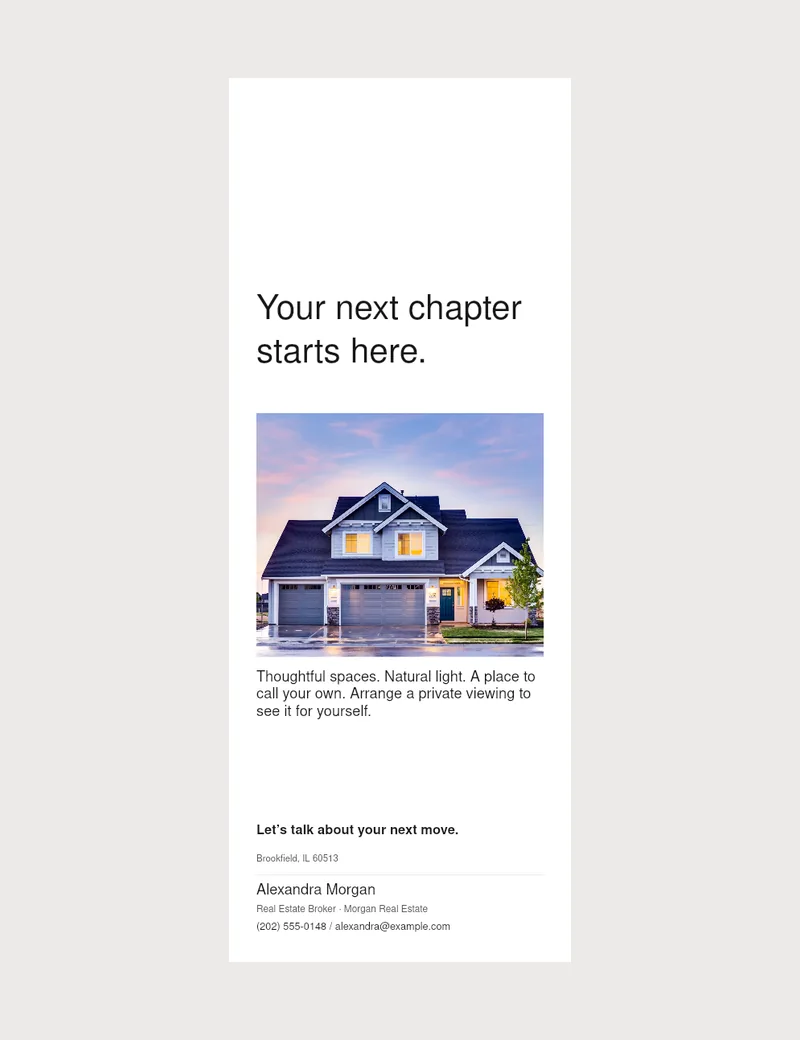
- Preview
- Front and back
- Layout
- Reserved hanger space
- Production
- Confirm cutout and trim with your printer
01
Add your message
Add listing type, property facts and contacts.
02
Check both sides
Review your template and hanger space.
03
Prepare for print
Download; confirm cutout, trim and files with your printer.
Good to know
Your questions, answered.
Can I preview both sides?
Yes. Switch between front and back before exporting.
Is there cutout space?
Yes. Cutouts vary, so check your printer’s template before ordering.
Practical tips